中文
中文 日本語
日本語
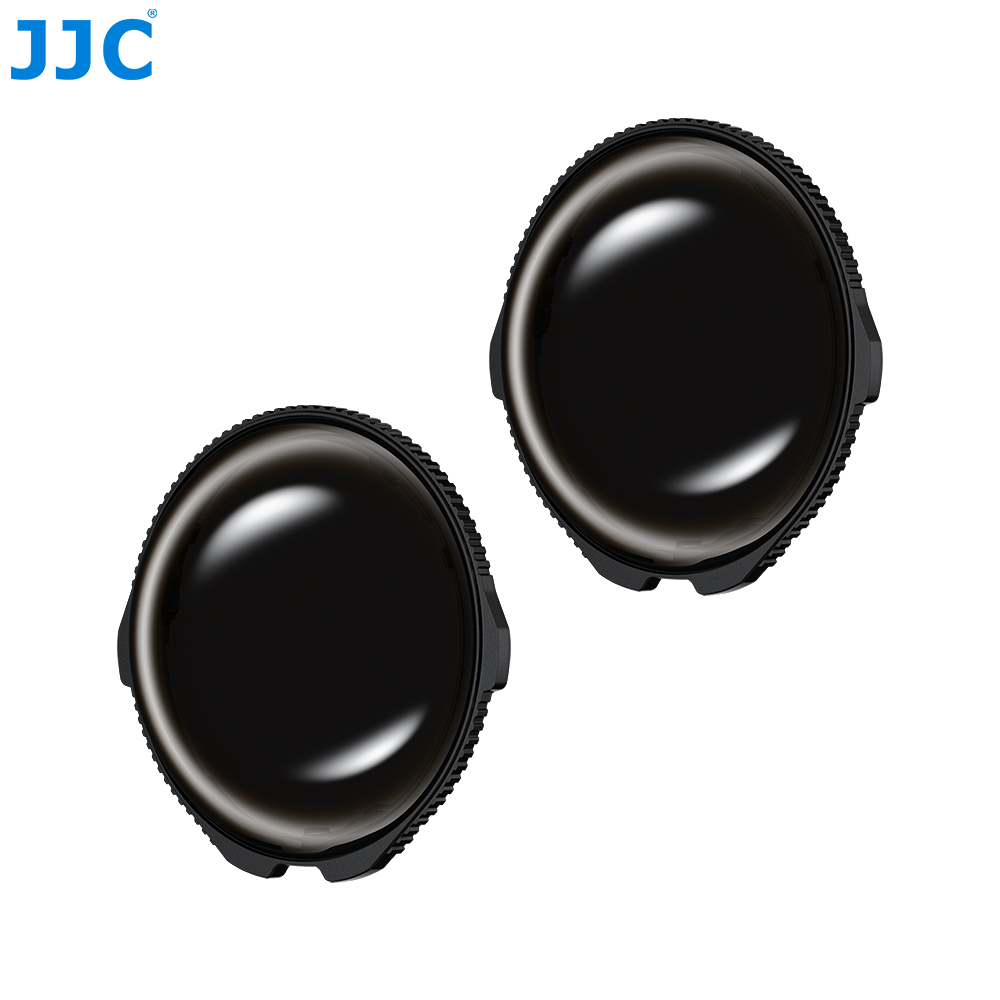
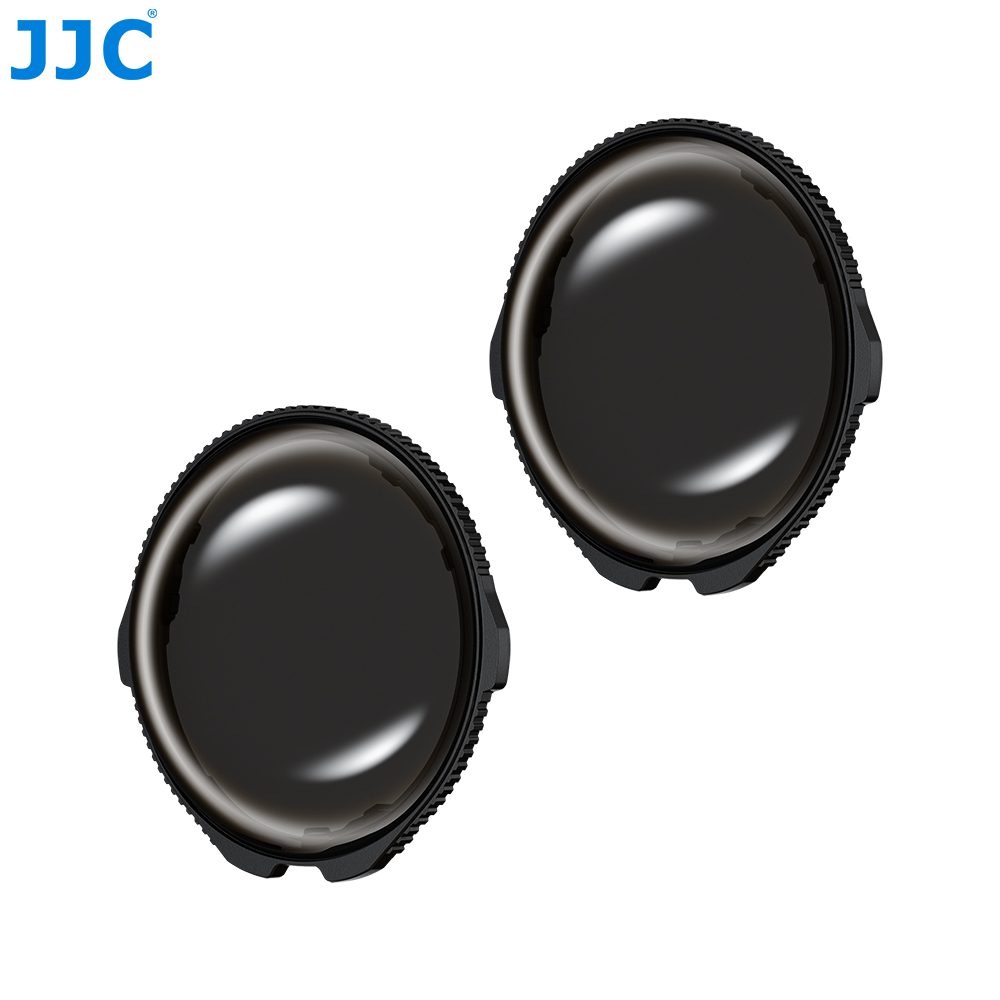
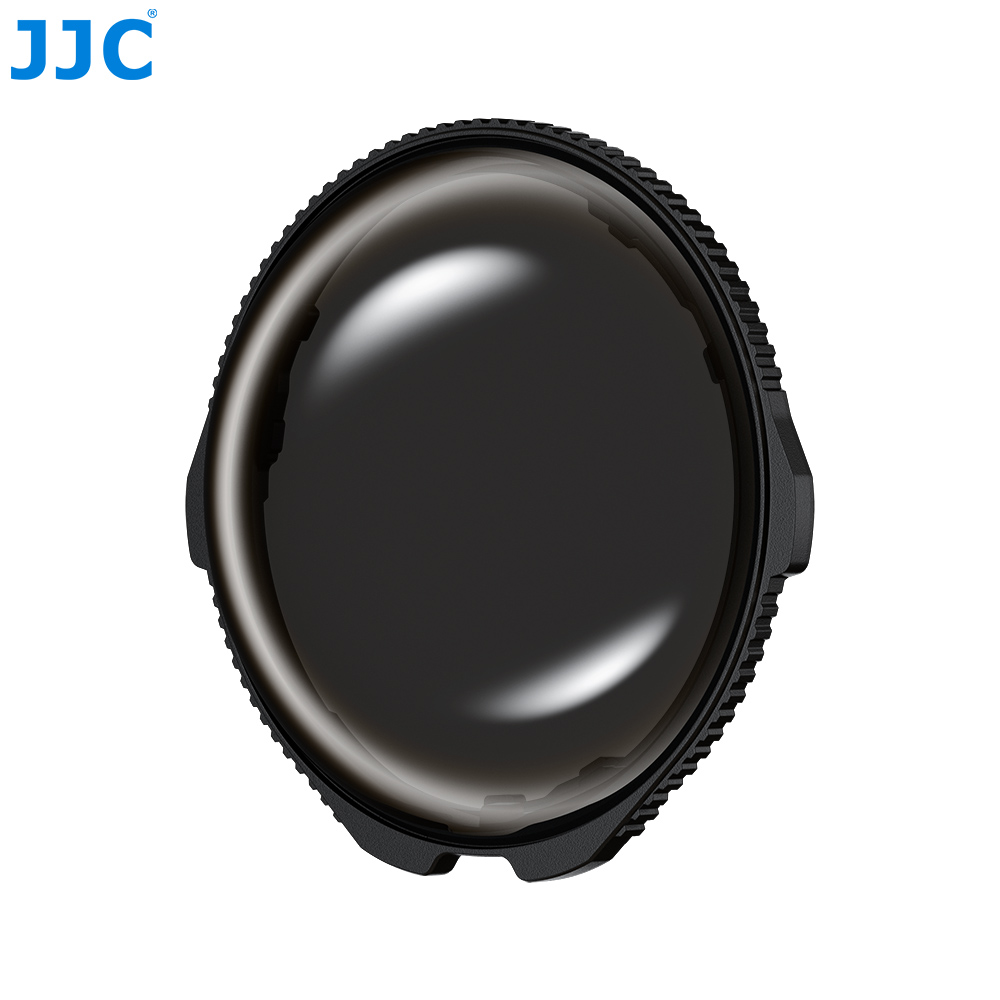
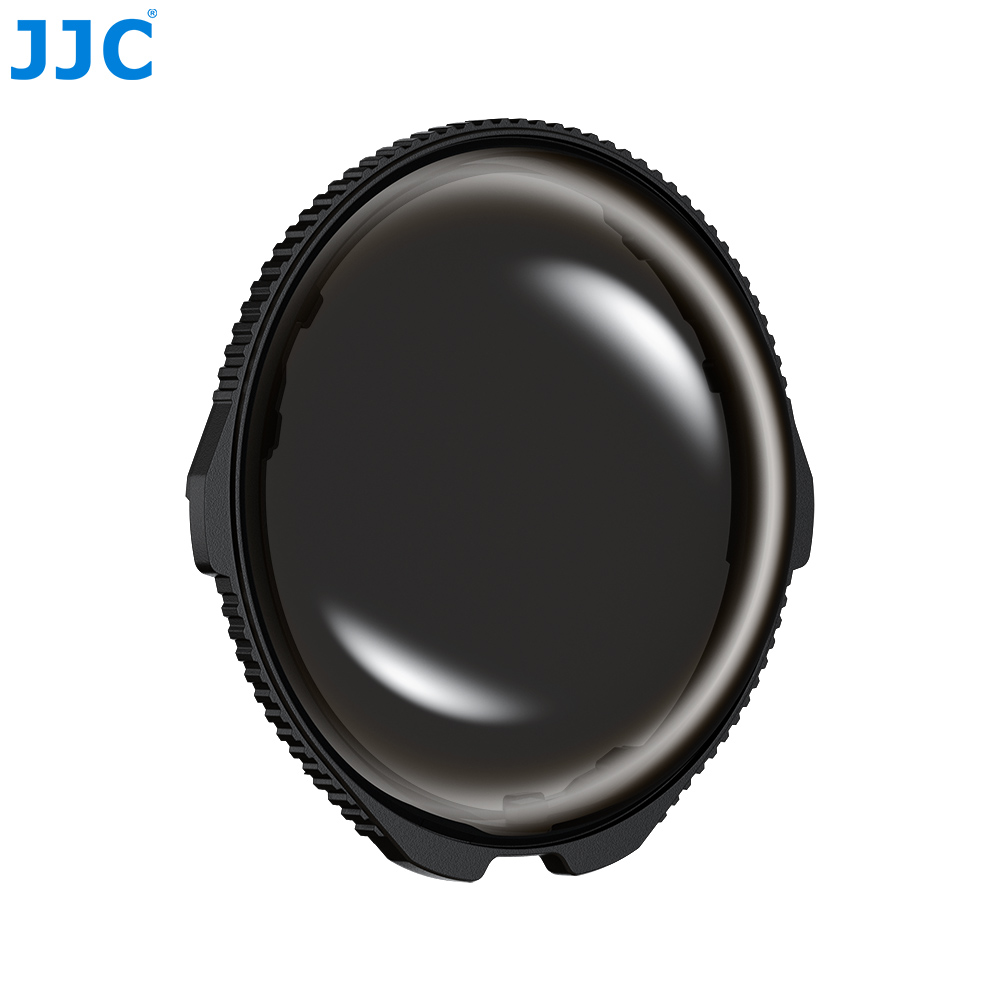
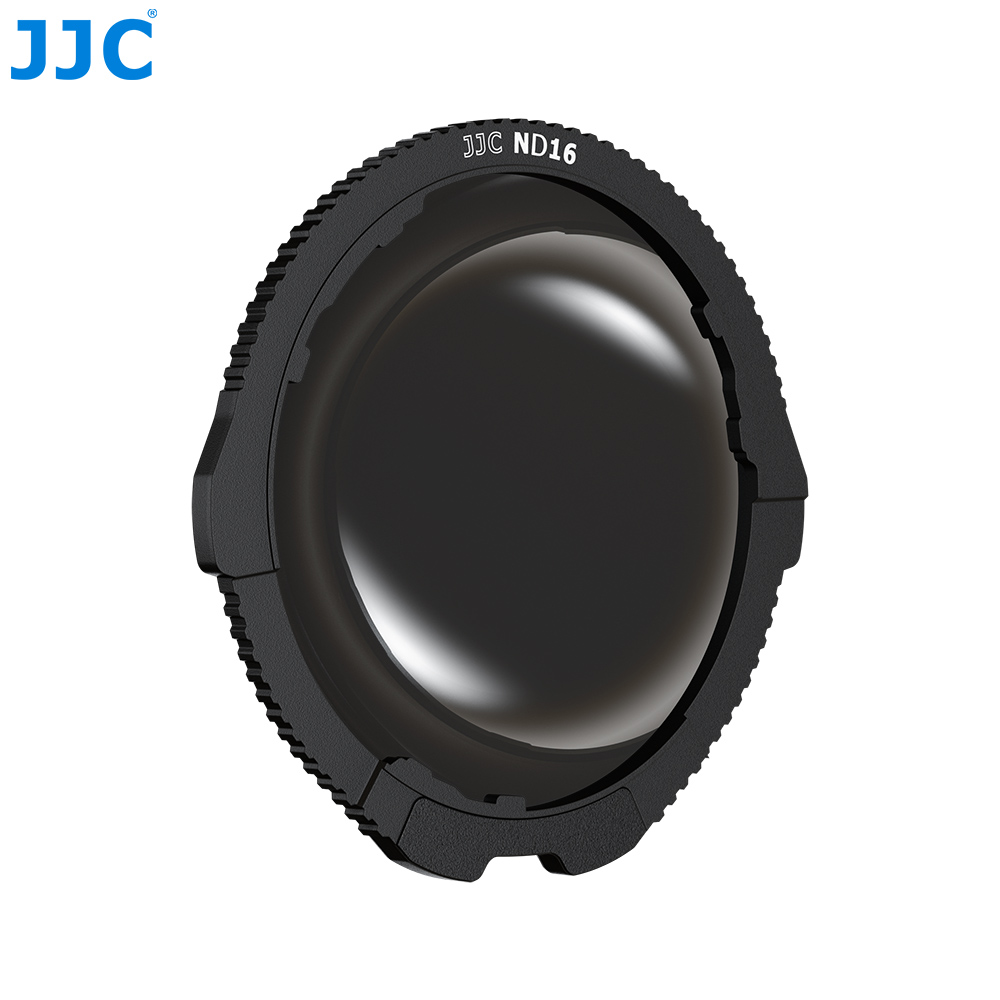
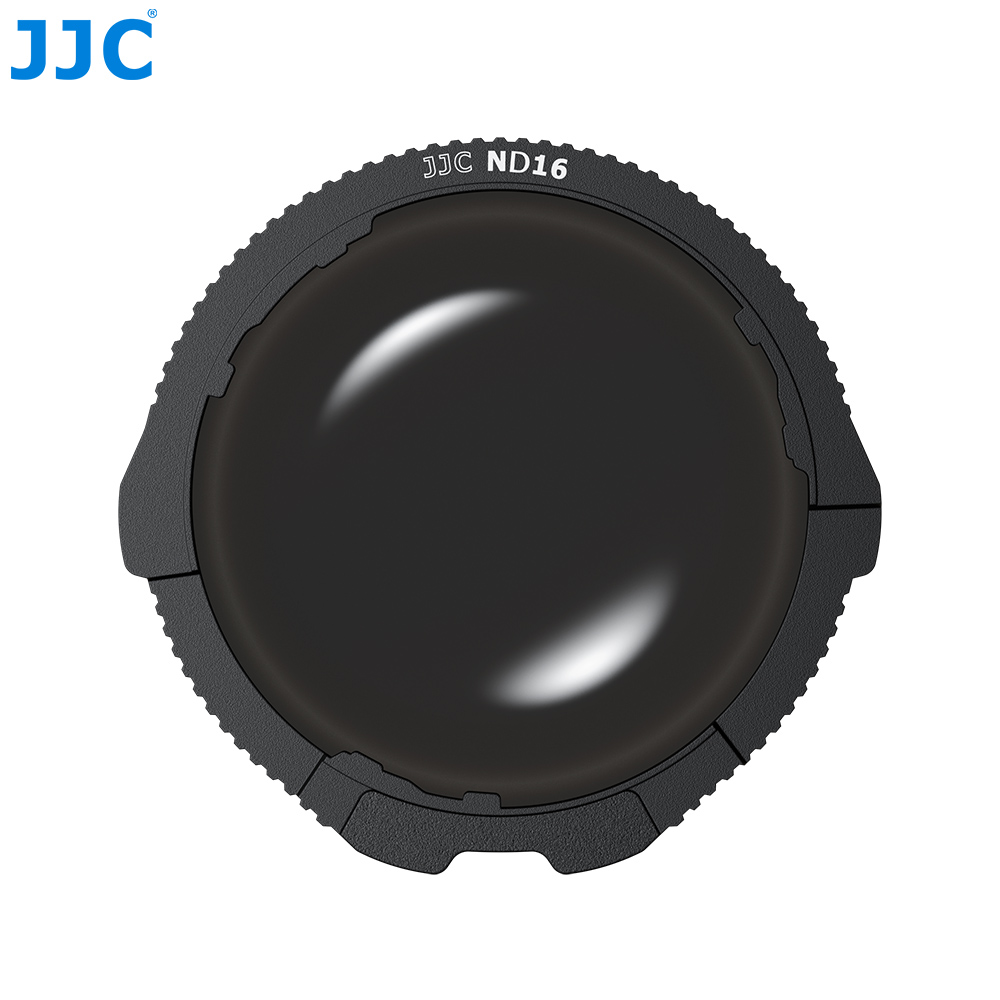
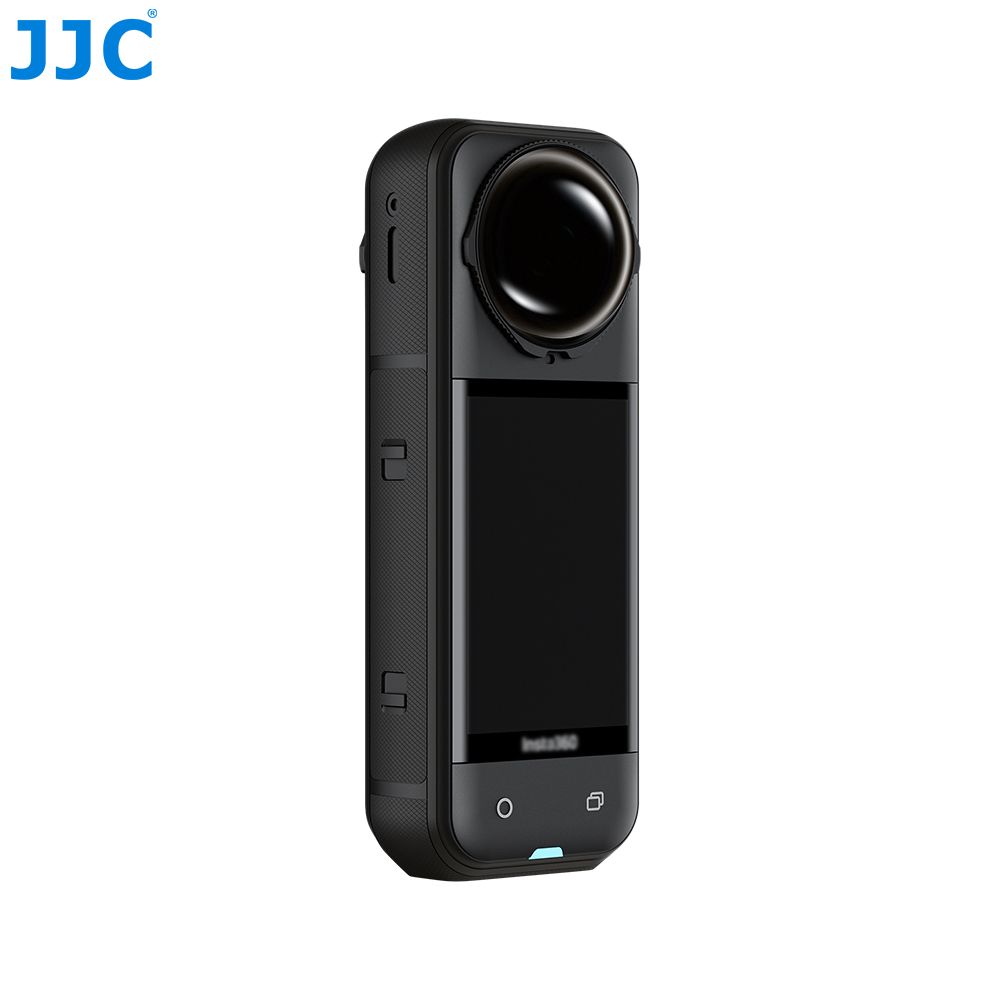
ND Filters specially designed for Insta36. X5
Specially designed for Insta36. X5;Captures motion blur effects with a sense of speed under different lighting conditions;Made of optical-grade tempered glass, scratch- and impact-resistant;30-layer coating on both sides for light control and durability;Enabling seamless stitching with no black edges during 360° panoramic shooting;Easy installation with no tools required;Camera automatically recognizes the ND filter;Passed the 8H hardness test, providing providing scratch and wear resistance;Compatible with Insta36. original Lens Cap and Foldable Lens Cap
- Model: TLP-X5ND16
- Bar Code: 6950291549983
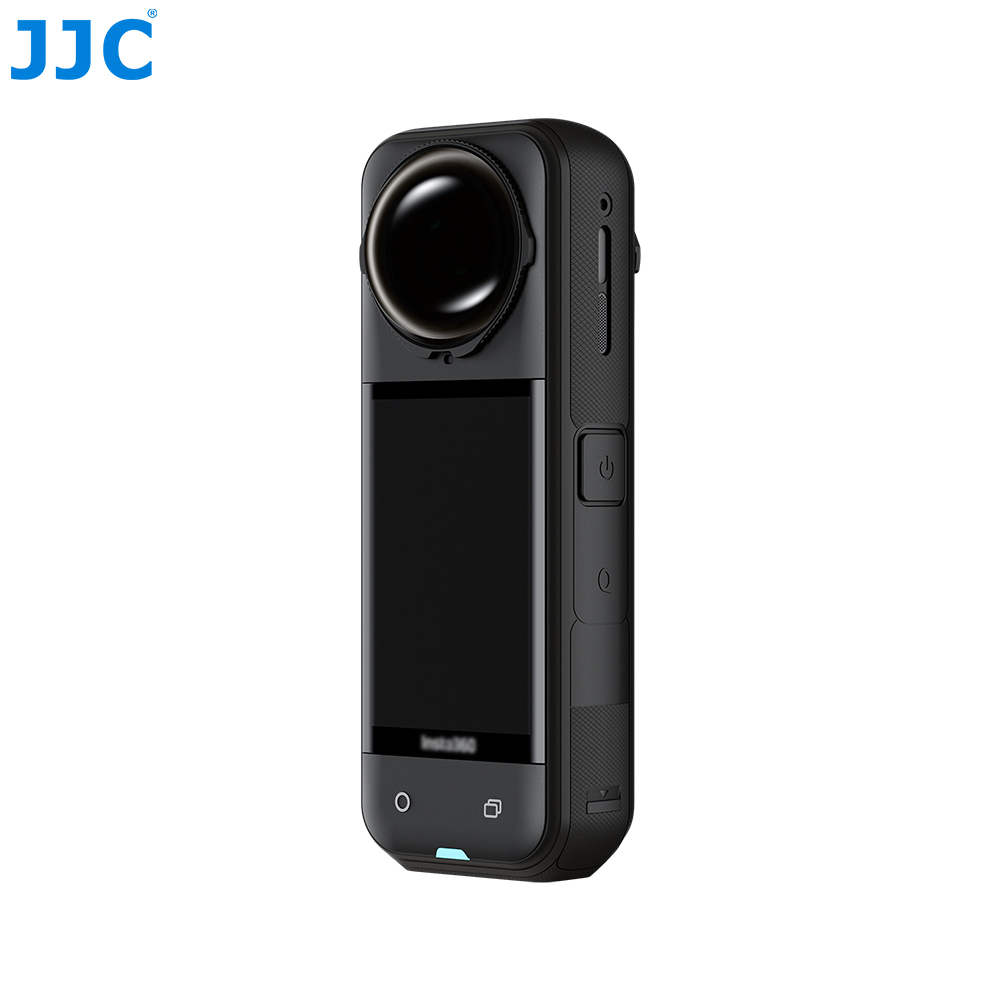
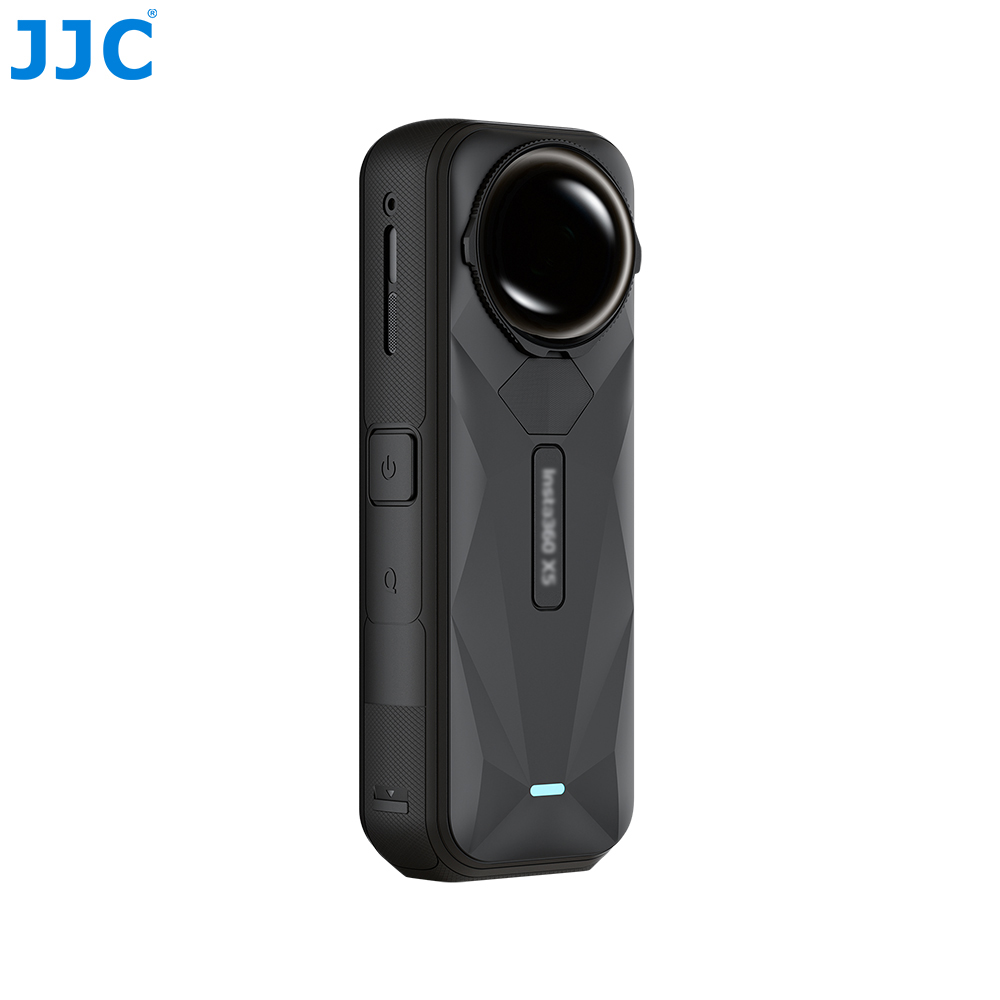
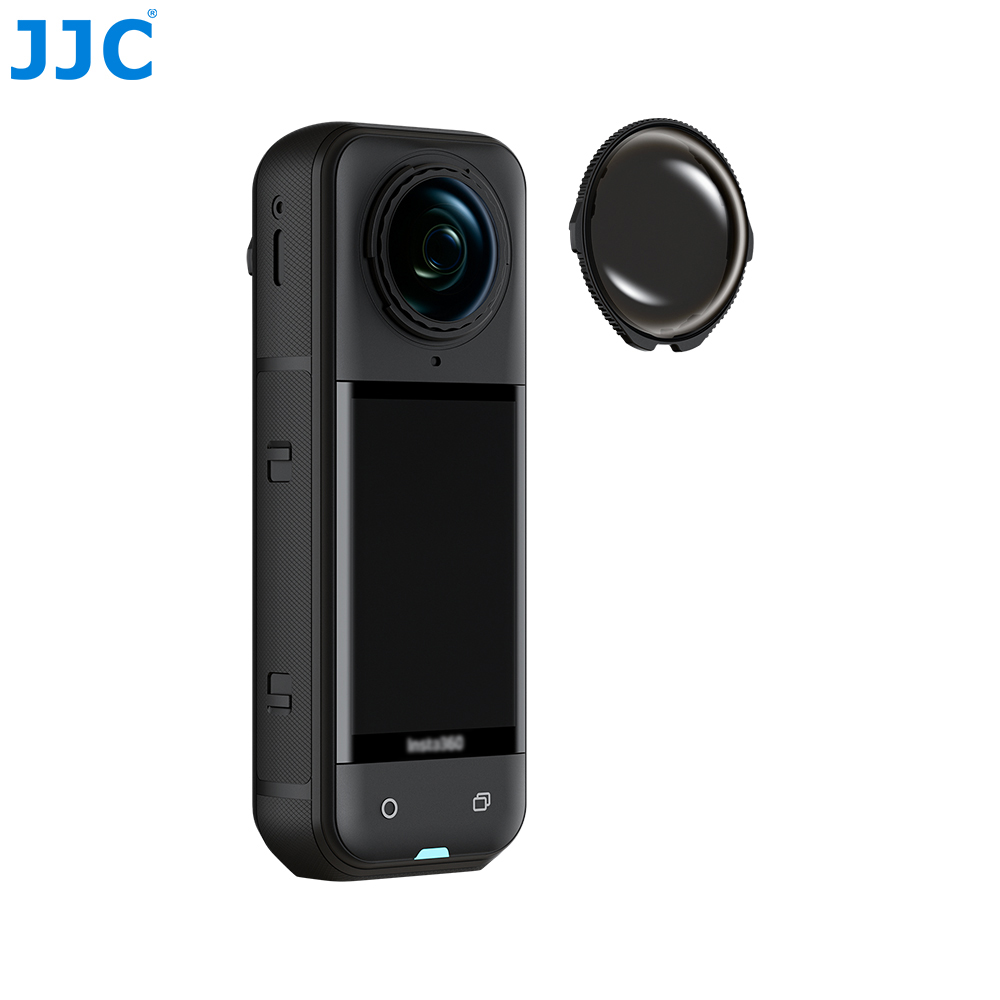
JJC TLP-X5ND Series ND Filters is specially designed for Insta36. X5, allowing you to capture motion blur effects with a sense of speed under different lighting conditions. The lens is made of optical-grade tempered glass, offering scratch and impact resistance, a stable structure, and durability against breakage. The filter features 30-layer coating on both sides (14+16 layers), including ND film, super-hydrophobic coating, and protective layers. This effectively controls light intake while providing water resistance, anti-smudge, and scratch-resistant performance. The filter fits tightly to the camera body, enabling seamless stitching with no black edges during 360° panoramic shooting. Installation is quick and tool-free, simply screw the filter into place. The camera automatically recognizes the ND filter and accurately adjusts color, allowing you to focus on creativity. This series includes ND16, ND32, and ND64, available for selection according to your needs. Additionally, the filter surface in this series has passed the 8H hardness test, providing scratch and wear resistance to effectively reduce scratches during daily use. This series of ND filters is compatible with the original Lens Cap and Foldable Lens Cap from Insta36.
All our products have undergone multiple inspections to ensure their quality. It is worth your trust!
Precautions
1. If the ND filter is not recognized, please ensure the device is updated to the latest firmware.*
2. When installing the ND filter, improper installation may cause the camera to misidentify the filter.
3. After the ND filter prompt appears, manually select the corresponding ND filter model.
4. The filter is not fully sealed. Do not use it in water or underwater environments.
5. The filter contains magnetic materials. Keep it away from pacemakers and other devices that may be affected by magnets.
6. Moisture may cause fogging. Keep the filter and surrounding areas dry.
7. If fogging occurs, wipe the filter with the included cleaning cloth.
8. Avoid dropping the filter, high-impact collisions, or rubbing against hard objects, as this may damage the lens.
9. If the filter is damaged, replace it promptly.
10. Before installation, ensure the filter, camera lens, and surrounding areas are clean and dry.
11. Before use, make sure the filter is fully tightened.
12. After installing the filter on the screen side of the camera, the camera will automatically display a prompt for the corresponding filter.
Product Highlights
Specially designed for Insta36. X5
Captures motion blur effects with a sense of speed under different lighting conditions
Made of optical-grade tempered glass, scratch- and impact-resistant
30-layer coating on both sides for light control and durability
Enabling seamless stitching with no black edges during 360° panoramic shooting
Easy installation with no tools required
Camera automatically recognizes the ND filter
Passed the 8H hardness test, providing providing scratch and wear resistance
Compatible with Insta36. original Lens Cap and Foldable Lens Cap
Package Contents
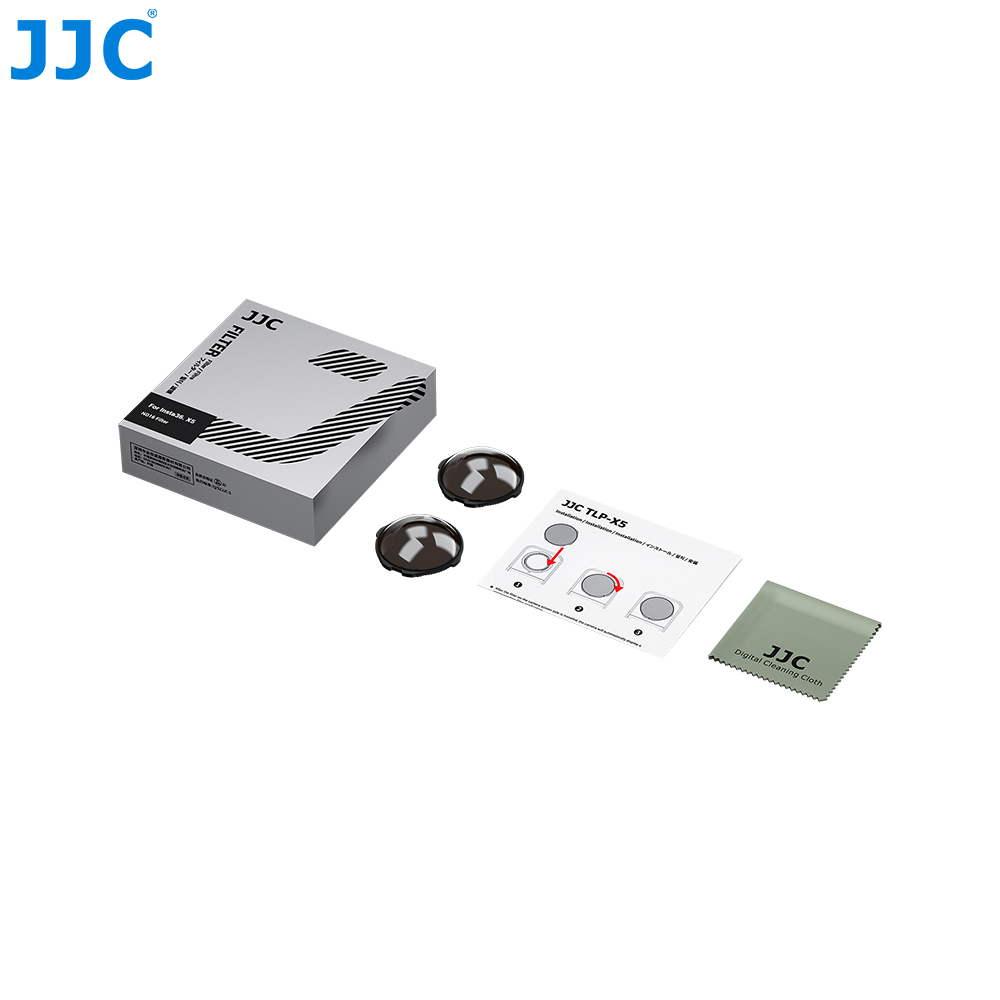
ND Filters ×2
Cleaning Cloth ×1
User Manual ×1
All our products have undergone multiple inspections to ensure their quality. It is worth your trust!
Precautions
1. If the ND filter is not recognized, please ensure the device is updated to the latest firmware.*
2. When installing the ND filter, improper installation may cause the camera to misidentify the filter.
3. After the ND filter prompt appears, manually select the corresponding ND filter model.
4. The filter is not fully sealed. Do not use it in water or underwater environments.
5. The filter contains magnetic materials. Keep it away from pacemakers and other devices that may be affected by magnets.
6. Moisture may cause fogging. Keep the filter and surrounding areas dry.
7. If fogging occurs, wipe the filter with the included cleaning cloth.
8. Avoid dropping the filter, high-impact collisions, or rubbing against hard objects, as this may damage the lens.
9. If the filter is damaged, replace it promptly.
10. Before installation, ensure the filter, camera lens, and surrounding areas are clean and dry.
11. Before use, make sure the filter is fully tightened.
12. After installing the filter on the screen side of the camera, the camera will automatically display a prompt for the corresponding filter.
Product Highlights
Specially designed for Insta36. X5
Captures motion blur effects with a sense of speed under different lighting conditions
Made of optical-grade tempered glass, scratch- and impact-resistant
30-layer coating on both sides for light control and durability
Enabling seamless stitching with no black edges during 360° panoramic shooting
Easy installation with no tools required
Camera automatically recognizes the ND filter
Passed the 8H hardness test, providing providing scratch and wear resistance
Compatible with Insta36. original Lens Cap and Foldable Lens Cap
Package Contents
ND Filters ×2
Cleaning Cloth ×1
User Manual ×1